How to Set Up Your Treadmill for Gaming
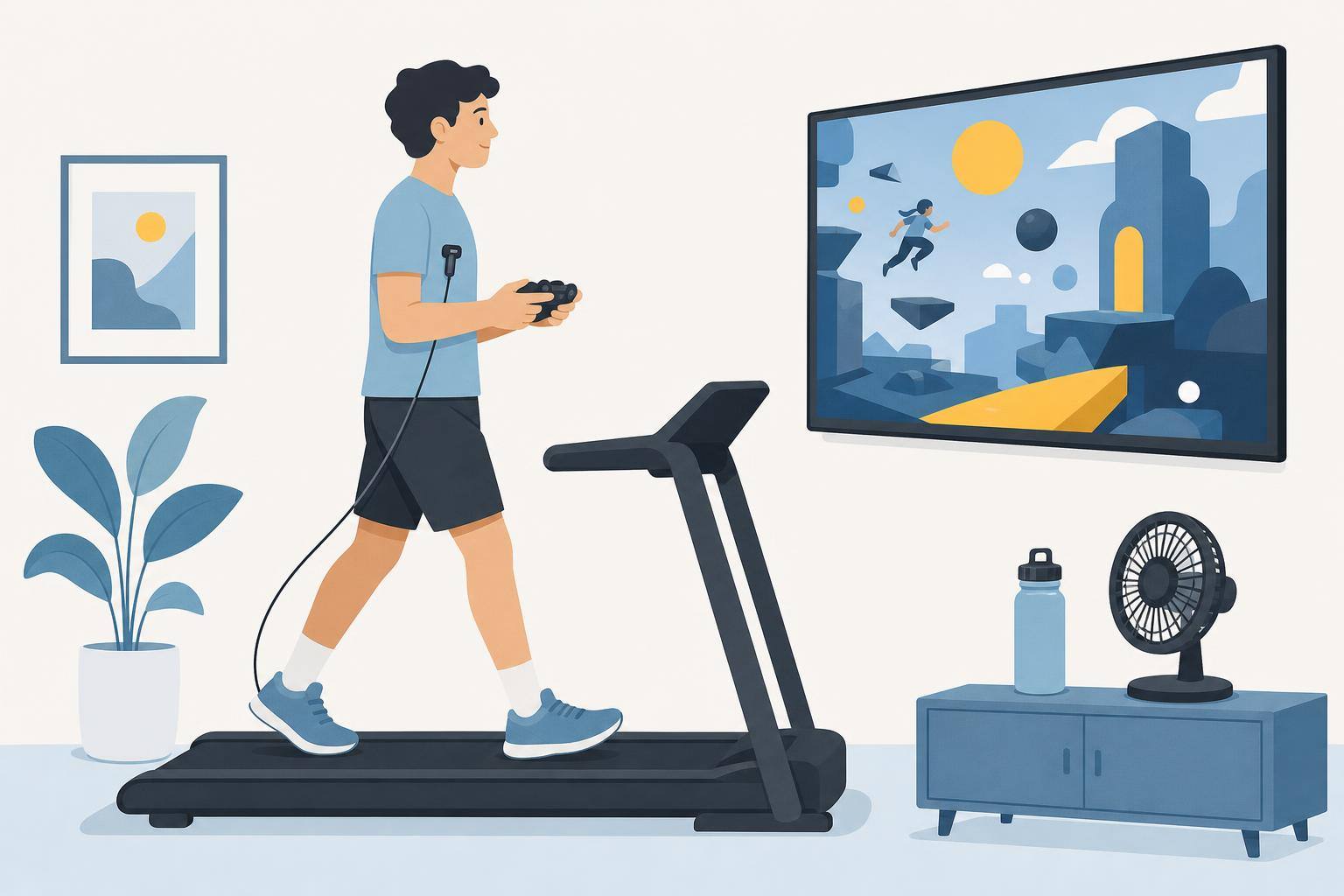
You dont need a fancy setup to game on a treadmill. You need a screen at the right height, a wireless controller, and a safe way to stop. Get those three right and everything else is a bonus.
Start with safety
Before you buy anything, read your treadmill’s manual. Check the weight limit, the safety clip and how much clear space it wants behind the belt.
Wear the safety clip. Know where the stop button is without looking. Keep the area behind the treadmill clear, because that is where you go if you trip. Consumer Reports suggests at least 6 feet behind it and 2 feet on each side, but follow your manual if it asks for more. If kids or pets are around, make sure they cant get near the belt.
Put the screen at eye level
Looking down for an hour is rough on your neck, and it can throw off your balance. Set the screen so the middle of it sits close to eye level while you are standing on the belt. The belt adds height, so measure from up there and not from the floor.
Bigger and farther away usually beats small and close. Your head bobs a bit when you move, and a close screen makes that more obvious.
A TV on a wall or a sturdy stand in front of the treadmill is the easiest option. If you want to mount one, we have a guide on how to mount a monitor or TV in front of your treadmill.
Go wireless
Cables and moving belts dont mix. Use a wireless controller and keep every cord away from the belt and the rollers. That goes for power cables, HDMI cables and charging cables. Tape or clip them along the wall if you need to.
Need a controller? Check out the best controllers for treadmill and bike gaming.
Sort out your sound
Wireless headphones keep you from cranking the TV over the noise of the belt. If you use them, keep the volume low enough to hear what is going on around you.
Keep the basics close
Put these where you can grab them without leaning over too far:
- A water bottle
- A small towel for your hands and the controller
- A fan pointed at you
Start slow
Start at a slow walk. Playing takes more attention than you think, and your feet can drift while you are looking at the screen. Stay in the middle of the belt and only speed up once it feels easy. Our guide on how fast you can walk or run while gaming covers this.
Then pick an easy game. Something like Stardew Valley is a better first try than anything that needs fast reactions. Our best of list is a good place to look.
Warning: Playing video games while using exercise equipment can lead to injury. Check with your doctor before starting a new exercise routine, and stop if you feel dizzy, unsteady or in pain.
(added Nov 2026)
