How to Mount a Monitor or TV in Front of Your Treadmill
A wall mounted TV is the best option if you can drill into your wall. If you cant, a heavy rolling stand works well too. Just dont hang a screen off the treadmill unless the maker says you can. It shakes a lot, and that is a lot of weight in a bad spot.
Your options
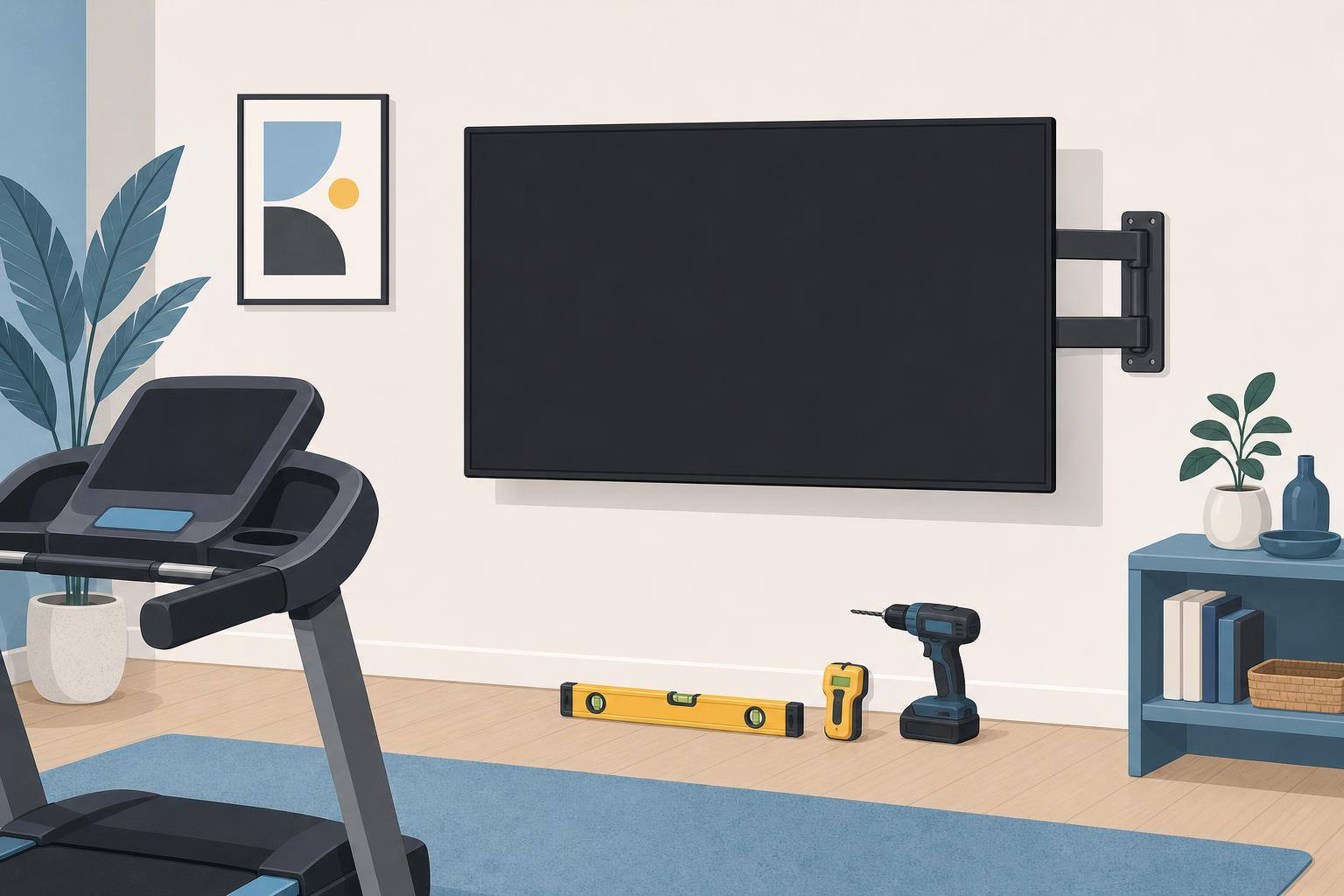
Wall mount. This is the sturdiest and keeps the floor clear. It needs solid wall behind it, and that usually means screwing into studs.
Rolling TV stand. No drilling and you can move it out of the way. Get one with a wide base and lock the wheels. Treadmills shake the floor, so test it before you trust it.
Regular TV stand or dresser. The cheap option. It works if the height is right and the TV is strapped down. Most TVs come with a way to attach a strap, or you can buy an anti tip kit for a few dollars.
Monitor arm on a desk. This is good for a treadmill desk where the desk isnt attached to the machine. Keep your speed slow, since the arm will wobble more than a wall mount.
Find the right height
Stand on the treadmill and look straight ahead. Have someone mark that spot on the wall, or use a level and a tape measure. The middle of the screen should be close to that height. Remember the deck adds a few inches, and that some treadmills fold up, so check that nothing hits the screen.
Wall mounting steps
- Check the back of your TV. Look up its VESA size and weight in the manual.
- Buy a mount rated for it. Make sure it matches the VESA size and holds more than the TV weighs.
- Find your studs. Use a stud finder and confirm with a small test hole if you are unsure.
- Check for wires and pipes. Never drill blind. If you dont know what is in the wall, ask someone who does.
- Follow the mount’s instructions. Use the hardware it came with and get a level out.
- Get a second person to lift it. TVs are awkward and easy to drop.
- Shake test it. Pull on it gently before you let go, and check it again after a few workouts.
If your wall is brick, concrete or something you arent sure about, or you rent, check first or hire a pro. It is cheaper than a broken TV.
Handle the cables
Keep every cable away from the belt and the rollers. Run them along the wall or inside a cable cover. A wireless controller means you only have to deal with power and video.
Set it up for gaming
Turn on your TV’s game mode to cut down on input lag. If your PC is far away, a long HDMI cable or Steam’s Remote Play can get the picture to your screen. Then run through the rest of our treadmill setup guide.
Warning: A falling screen can cause serious injury. If you arent sure your setup is secure, have a professional install it.
(added Nov 2026)
