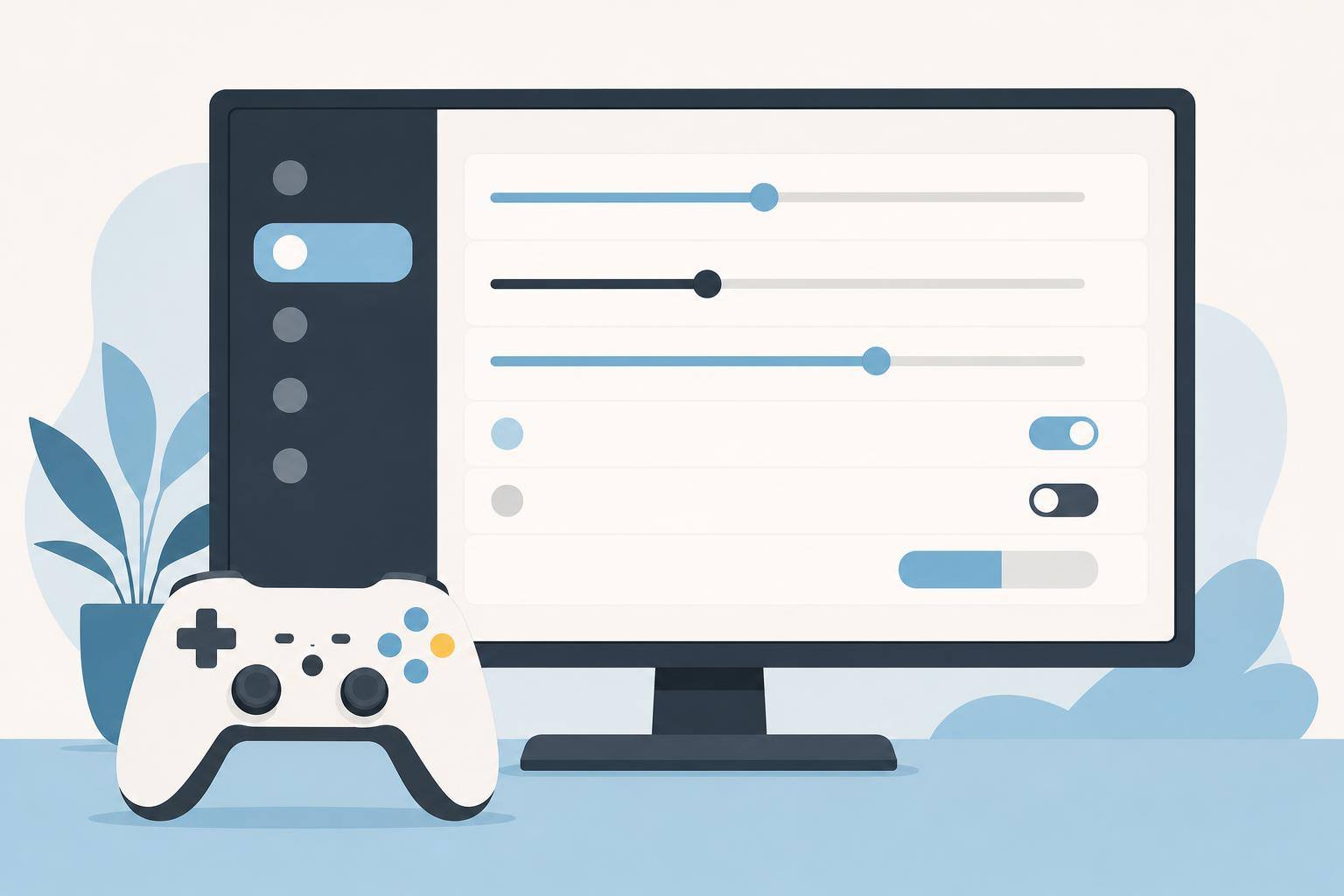
Which Game Settings to Change Before You Work Out
Before you work out, change settings that make the game easier to see and control. Bigger text, useful subtitles, aim assist, a lower difficulty, and less screen shake can help you stay focused on both the game and your movement.
Make text easier to read
Increase text size if the game allows it. Turn on subtitles, and choose a readable size and a solid background if those options are available. You can also enlarge the HUD or move it closer to the center of the screen so you can check important information with a quick glance.
Reduce aiming and timing demands
Turn on aim assist, or raise its strength if the game offers that choice. Lower the difficulty if combat takes too much attention. If you can, reduce the need for precise timing by turning on options like auto aim or easier quick time events.
Calm the screen
Turn off screen shake, camera bob, and motion blur if they make it harder to follow what is happening. You can also lower flashes or other visual effects. Try a short session and adjust again if the screen still feels busy.
Set up before you move
Open menus and test your controls before starting the treadmill or bike. Do not reach for settings while moving. Follow your machine manual, attach the safety clip when your treadmill has one, and stop if you feel unsteady or something feels wrong.